 English
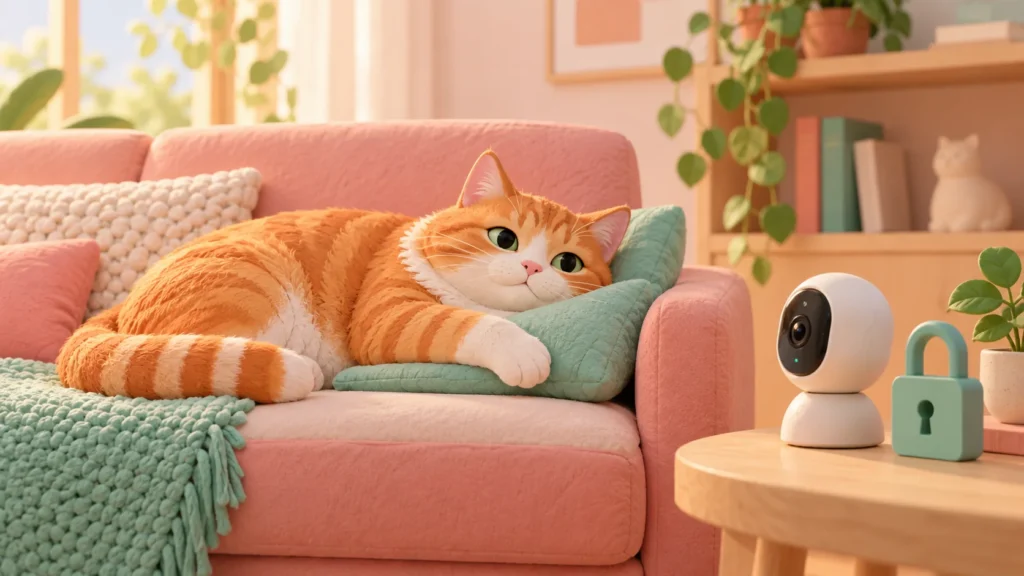
The cat is asleep on the sofa. Behind it, the camera can also see the front door, a laptop and whoever comes into the room.
A pet camera feels friendly because of what you use it for. The device still captures part of your home, often with sound, and makes that material available through an account.
Decide what you need to see
Start with the job. Perhaps you want to check whether a cat has used a particular resting place while you are at work. That does not automatically require a view of the entire living room.
Look at the preview from the camera itself. Reflective surfaces and wide lenses can include more than you expected. Reposition it until the view serves the purpose without collecting unnecessary details.
Consider the people who share the space too. Visitors and cat sitters should know where cameras are operating, particularly if audio is enabled.
Secure the account
The US Federal Trade Commission's camera guidance recommends unique strong passwords, software updates and two-factor authentication where available. It also advises checking encryption for both live streams and stored recordings.
Apply those checks to the camera account and the phone that opens it. A well-protected camera is less useful if an old shared login still works on somebody else's device.
Review who has access. If a sitter needs temporary viewing permission, use a separate limited account when the product supports it. Remove that access when the arrangement ends.
Ask where the recordings go
Before enabling continuous recording, find out whether clips are stored locally, in the manufacturer's cloud or in both places. Check retention settings and the process for deleting them.
A useful question is what happens after a subscription ends. Another is whether the device remains supported with security updates. These answers are specific to the product and can change, so read the current documentation rather than relying on an old review.
Remote access may be optional. The FTC suggests considering whether you need it, and whether it can be disabled. Choose the smallest set of features that does the job you actually want.
Before mounting a camera, look through its intended field of view while someone uses the room normally. Does it include a neighbour's window, a visitor's seat or a screen that might display private information?
A small change in angle can preserve the view of the cat's favourite chair while excluding much more of the household. Agree with other residents when recording is appropriate and how guests will be informed. A pet camera is still a camera in a shared human space, even when the intended star is asleep.
Keep the animal in the picture
A motion alert shows that something moved within the camera's view. It cannot tell you everything about a cat's appetite, comfort or health, and a quiet feed cannot replace a person's care visit.
There is a useful contrast with wildlife camera traps, where researchers also have to interpret a limited view. Absence from a frame is not proof of absence from a place.
When setting up a pet camera, test it as a household device as carefully as you test the image quality. The best view of a sleeping cat is one you can enjoy without wondering who else can open it.